by myadmin | Aug 26, 2020 | Review สินค้า , ข่าวสาร Update ใหม่
[vc_row][vc_column][vc_row_inner][vc_column_inner][vc_btn title=”สั่งซื้อที่ SHOPEE” style=”3d” shape=”round” color=”warning” size=”lg” align=”center” i_icon_fontawesome=”fas fa-share-square” button_block=”true” add_icon=”true” link=”url:https%3A%2F%2Fshopee.co.th%2Fpeakhdplayer|||”][vc_btn title=”สั่งซื้อที่ LAZADA” style=”3d” shape=”round” color=”warning” size=”lg” align=”center” i_icon_fontawesome=”fas fa-share-square” button_block=”true” add_icon=”true” link=”url:https%3A%2F%2Fwww.lazada.co.th%2Fpeakhdplayer|||”][vc_message message_box_color=”black”]
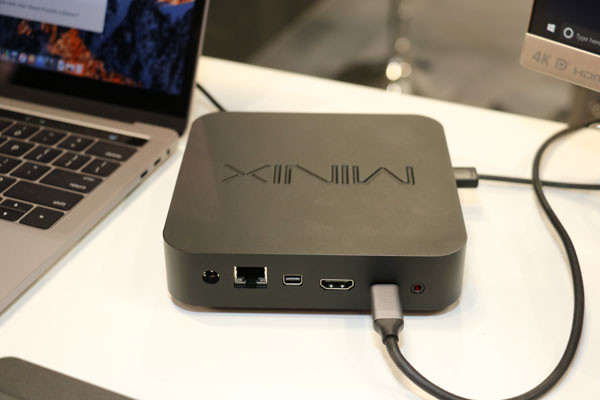
Minix Neo N42C-4 PLUS
[/vc_message][vc_single_image image=”6166″ img_size=”full” alignment=”center”][vc_column_text]MINIX NEO J50C-4 Plus พร้อม WINDOW 10 PRO ลิขสิทธิ์ RAM 4 GB/ Storage 240 GB ปี 2020 แนะนำ MINI PC
Processor Intel Pentium J5005 (64-bit)
GPU Intel UHD Graphics 605
Memory 4GB DDR4
Storage 240 GB
รุ่นนี้คือ MINIPC ของทาง MINIX ที่เป็นแบรนดังจากต่างประเทศ
– ตัวเครื่อง อึด ทน นาน ใช้งานได้ดี เสียยาก
– ตัวเครื่องทำจากวัสดุอย่างดี
– มาพร้อม RAM 4GB / ROM240GB
– Window 10 Pro license แท้ ท่านไม่ต้องไปซื้อสินค้าหรือซื้อ Window เพิ่มเลย เพราะให้ตัวถูกลิขสิทธิ์มากับในเครื่องเลย
– ซื้อ Window แท้ก็หลายบาทแล้ว แต่ซื้อรุ่นนี้ได้เครื่องและ Window
– การันตีสินค้าคุณภาพดี และประกัน 1 ปี โดยศูนย์ บริษัท พีค เอชดี มีเดีย จำกัด
Processor Intel Pentium J5005 (64-bit) GPU Intel UHD Graphics 605
Memory 4GB DDR4
Memory Slot 2 x SODIMM slot,
dual channel support [each support up to 8GB]
Storage มาพร้อม Pre-installed 240GB M.2 SATA SSD Storage Expansion 1 x 2280 M.2 slot (SATA 6.0Gbps) [support up to 512GB]
Wireless Connectivity 802.11ac
Dual-Band Wi-Fi Bluetooth 4.1 Operating System
Windows 10 Pro (64-bit)
Video Output HDMI™ 2.0 (4K @ 60Hz) Mini
DisplayPort (4K @ 60Hz) USB-C (4K @ 60Hz)
Digital Audio Output HDMI™ 2.0 Mini DisplayPort
Optical SPDIF Analog Audio Input 3.5mm audio jack Peripheral Interface RJ-45
Gigabit Ethernet USB 3.0 port x 3 USB-C port x 1 Kensington lock ready[/vc_column_text][/vc_column_inner][/vc_row_inner][vc_single_image image=”6167″ img_size=”full”][dt_gallery_masonry bwb_columns=”desktop:2|h_tablet:2|v_tablet:2|phone:2″ image_border_radius=”0px” project_icon_border_width=”0px” include=”6166,6165,6164,6163,6162,6159,6158,6157,6156,6155,6153″][/vc_column][/vc_row]
by myadmin | Aug 26, 2020 | Review สินค้า , ข่าวสาร Update ใหม่
[vc_row][vc_column][vc_row_inner][vc_column_inner][vc_btn title=”สั่งซื้อที่ SHOPEE” style=”3d” shape=”round” color=”warning” size=”lg” align=”center” i_icon_fontawesome=”fas fa-share-square” button_block=”true” add_icon=”true” link=”url:https%3A%2F%2Fshopee.co.th%2Fpeakhdplayer|||”][vc_btn title=”สั่งซื้อที่ LAZADA” style=”3d” shape=”round” color=”warning” size=”lg” align=”center” i_icon_fontawesome=”fas fa-share-square” button_block=”true” add_icon=”true” link=”url:https%3A%2F%2Fwww.lazada.co.th%2Fpeakhdplayer|||”][vc_message message_box_color=”black”]
Minix Neo N42C-4 PLUS
[/vc_message][vc_single_image image=”6142″ img_size=”full”][vc_column_text]รายละเอียดสินค้า Minix Neo N42C-4 PLUS พร้อม WINDOW 10 PRO ลิขสิทธิ์ RAM 4 GB/ ROM Storage 64 GB ปี 2020 แนะนำ MINI PC
รุ่นนี้คือ MINIPC ของทาง MINIX ที่เป็นแบรนดังจากต่างประเทศ
– ตัวเครื่อง อึด ทน นาน ใช้งานได้ดี เสียยาก
– ตัวเครื่องทำจากวัสดุอย่างดี
– มาพร้อม RAM 4GB / ROM64GB
– Window 10 Pro license แท้ ท่านไม่ต้องไปซื้อสินค้าหรือซื้อ Window เพิ่มเลย เพราะให้ตัวถูกลิขสิทธิ์มากับในเครื่องเลย
– ซื้อ Window แท้ก็หลายบาทแล้ว แต่ซื้อรุ่นนี้ได้เครื่องและ Window
– การันตีสินค้าคุณภาพดี และประกัน 1 ปี โดยศูนย์ บริษัท พีค เอชดี มีเดีย จำกัด
CPU Processor: Intel Pentium N4200 (64-bit)
OS: Win10 Pro
GPU: Intel HD Graphics 505
RAM: DDR3L 4GB (ให้มาเริ่มต้น)
ROM: 64GB EMMC 5.1
ลักษณะของตัวช่องเสียบเป็นแบบ Ram Memory Slot: 2*SODIMM slot, dual channel, สามารถได้สูงสุดที่8GB ต่อช่อง
Storage Expansion: 1*2280 M.2 slot (SATA 6.0Gbps) (รองรับ M2 ที่สามารถใส่ได้สูงสุดคือ 512GB)
BT: BT4.1
Wireless Connectivity: IEEE 802.11ac Dual-Band WiFi (2.4G/5G)
Video Output: HDMI™ 1.4 (4K @ 30Hz), Mini DisplayPort (4K @ 60Hz), USB-C (4K @ 60Hz)
LAN: RJ-45 Gigabit Ethernet
Input / Output Interfaces: 1 * HD Multimedia Interface; 1 * Mini DP; 1 * RJ45 Port; 1 * 3.5mm Audio Port; 1 * USB-C port; 3 * USB 3.0 port; 1 * Power Input port
Power Supply: DC 12V 3A
Color: Black
Main item size: 13.9 * 13.9 * 3.2cm / 5.47 * 5.47 * 1.26in
Main item weight: 413g / 14.58oz
Package size: 25.5 * 18.0 * 9.5cm / 10.04 * 7.08 * 3.74in
Package weight: 1064g / 37.51oz
Package List:
1 * Win10 Pro Mini PC
1 * Bag of Mounting Screws
1 * HD Cable
1 * Power Adapter
1 * Plugs
1 * Multi-language User Manual[/vc_column_text][/vc_column_inner][/vc_row_inner][vc_single_image image=”6135″ img_size=”full”][dt_gallery_masonry bwb_columns=”desktop:2|h_tablet:2|v_tablet:2|phone:2″ image_border_radius=”0px” project_icon_border_width=”0px” include=”6142,6141,6140,6139,6138,6137,6136,6146,6144″][/vc_column][/vc_row]
by myadmin | Aug 26, 2020 | Review สินค้า , ข่าวสาร Update ใหม่
[vc_row][vc_column][vc_row_inner][vc_column_inner][vc_btn title=”สั่งซื้อได้แล้วที่ SHOPEE” style=”3d” shape=”round” color=”warning” size=”lg” align=”center” i_icon_fontawesome=”fas fa-share-square” button_block=”true” add_icon=”true” link=”url:https%3A%2F%2Fshopee.co.th%2Fpeakhdplayer|||”][vc_btn title=”สั่งซื้อได้แล้วที่ LAZADA” style=”3d” shape=”round” color=”warning” size=”lg” align=”center” i_icon_fontawesome=”fas fa-share-square” button_block=”true” add_icon=”true” link=”url:https%3A%2F%2Fwww.lazada.co.th%2Fshop%2Fpeakhdplayer%2F|||”][vc_message message_box_color=”black”]
MINIX Z83-4 PLUS
[/vc_message][vc_single_image image=”6115″ img_size=”full”][vc_column_text]
MINIX Z83-4 PLUS พร้อม Windows 10 Pro Edition License แท้ใหม่
+ สาย HDMI MINI PC คอมพิวเตอร์รุ่นใหม่จาก MINIX ที่ให้ License แท้มาเลยจากในเครื่องครับ
หมดกังวลเรื่องการใช้งาน window ที่ต้องไปซื้อ License เองหรือ ผิด ลิขสิทธิ์ สามารถใช้ในองค์กรได้เลยครับผม
**ราคานี้รวม VAT แล้วครับ สามารถออกใบกำกับภาษีได้
**จัดส่งในไทย โดย บจก.พีค เอชดี มีเดีย จำกัด
**สินค้าเป็น WINDOW 10 Pro แท้ *
*สินค้านี้เฉพาะเครื่อง MINIX รุ่น Z83-4 PLUS ( ไม่ได้มีจอมอนิเตอร์แถมน่ะครับ )
Processor Intel X5-Z8350 (64-bit) GPU Intel HD Graphics
Memory 4GB DDR3L
Internal Storage 64GB eMMC 5.1
Wireless Connectivity 802.11ac
Dual-Band Wi-Fi
Bluetooth 4.2
Operating System Windows 10 Pro (64-bit) Video Output HDMI™ 1.4 (4K @ 30Hz) Mini DisplayPort Audio Output HDMI™ 1.4 3.5mm
audio jack Audio Input 3.5mm audio jack Peripheral Interface RJ-45
Gigabit Ethernet
Micro SD card reader
USB 2.0 port x 3
USB 3.0 port x 1
Kensington lock ready #MINI PC มินิพีซี #intel[/vc_column_text][/vc_column_inner][/vc_row_inner][vc_single_image image=”6106″ img_size=”full”][dt_gallery_masonry bwb_columns=”desktop:2|h_tablet:2|v_tablet:2|phone:2″ image_border_radius=”0px” project_icon_border_width=”0px” include=”6112,6105,6111,6110,6109,6108,6107″][/vc_column][/vc_row]
by myadmin | Aug 23, 2020 | Review สินค้า , ข่าวสาร Update ใหม่ , ข่าวสาร ZIDOO
[vc_row][vc_column][vc_row_inner][vc_column_inner width=”1/2″][vc_btn title=”ซื้อที่ LAZADA” color=”orange” align=”center” i_icon_fontawesome=”fas fa-share-square” button_block=”true” add_icon=”true” link=”url:https%3A%2F%2Fshopee.co.th%2Fpeakhdplayer|||”][vc_single_image image=”6045″ alignment=”center” style=”vc_box_shadow_3d” onclick=”custom_link” link=”https://shopee.co.th/peakhdplayer”][/vc_column_inner][vc_column_inner width=”1/2″][vc_btn title=”ซื้อที่ SHOPEE” style=”3d” color=”orange” align=”center” i_icon_fontawesome=”fas fa-cart-arrow-down” button_block=”true” add_icon=”true” link=”url:https%3A%2F%2Fshopee.co.th%2Fproduct%2F13582684%2F5848391057%2F|||”][vc_single_image image=”6045″ alignment=”center” style=”vc_box_shadow_3d” onclick=”custom_link” link=”https://shopee.co.th/product/13582684/5848391057/”][/vc_column_inner][/vc_row_inner][vc_row_inner][vc_column_inner][vc_column_text]
[smartslider3 slider=”6″]
[/vc_column_text][/vc_column_inner][/vc_row_inner][vc_message message_box_style=”solid-icon” message_box_color=”black” icon_fontawesome=”” css_animation=”fadeIn”]
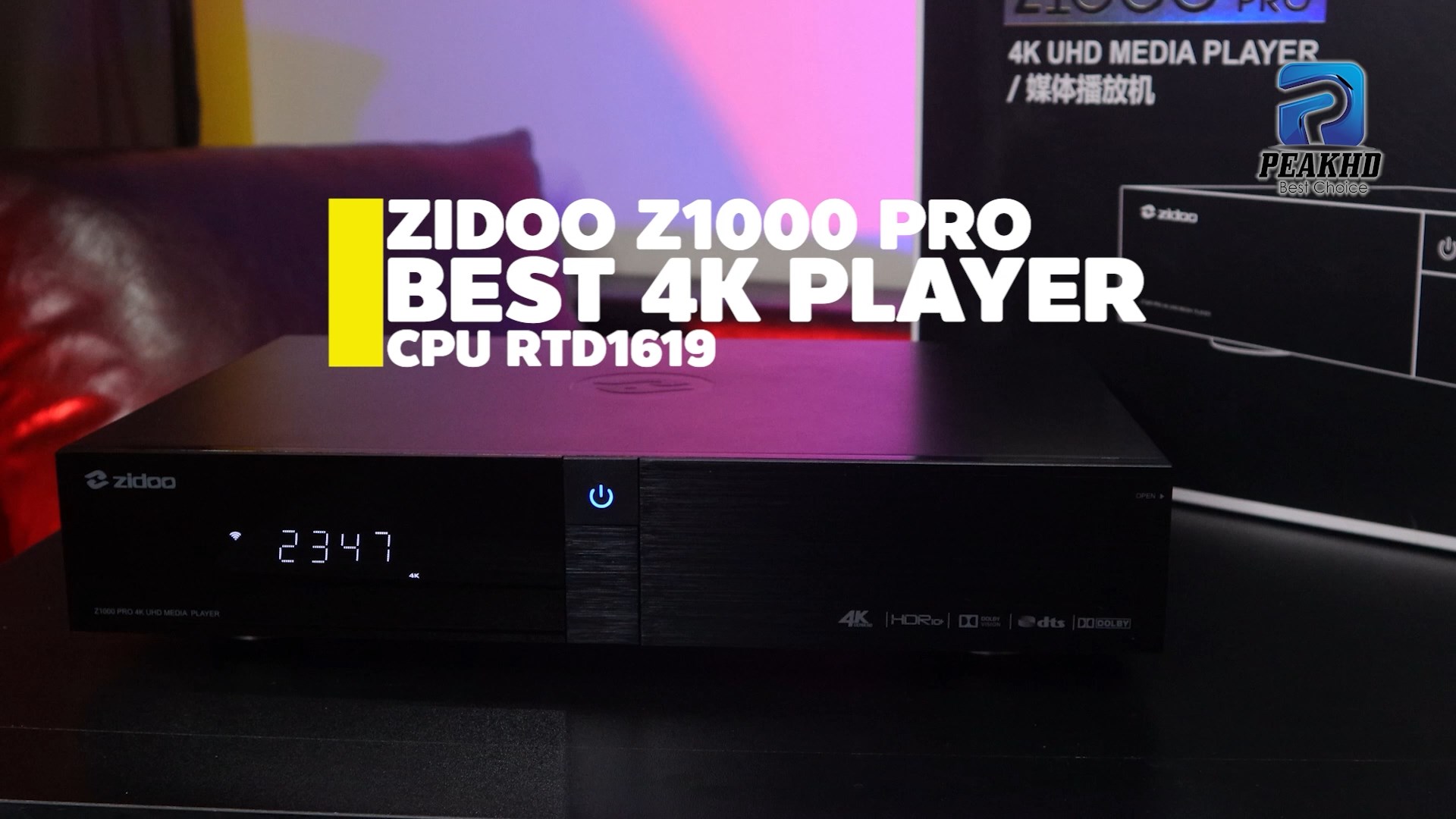
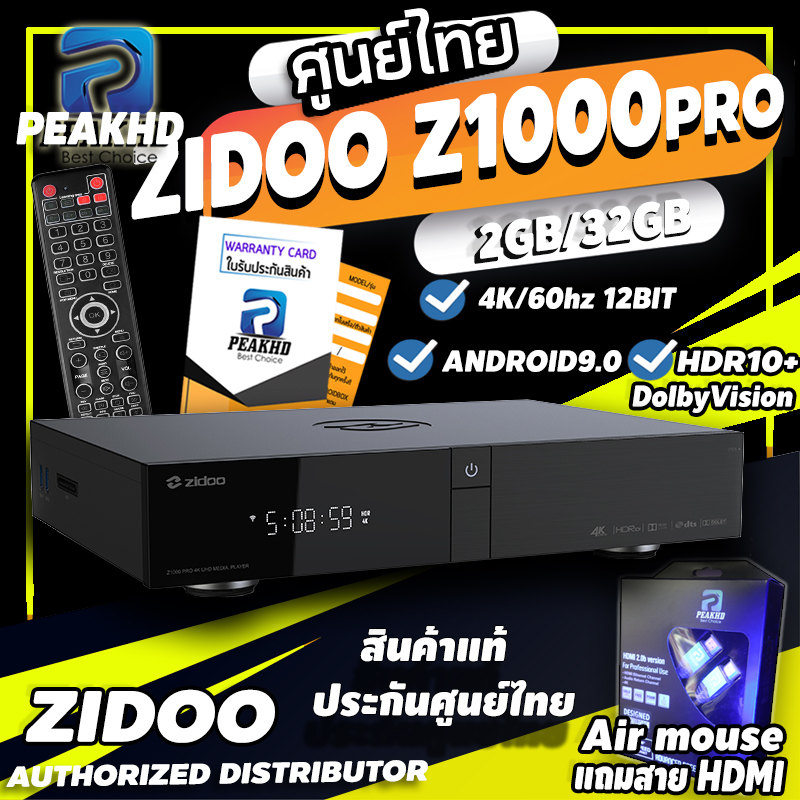
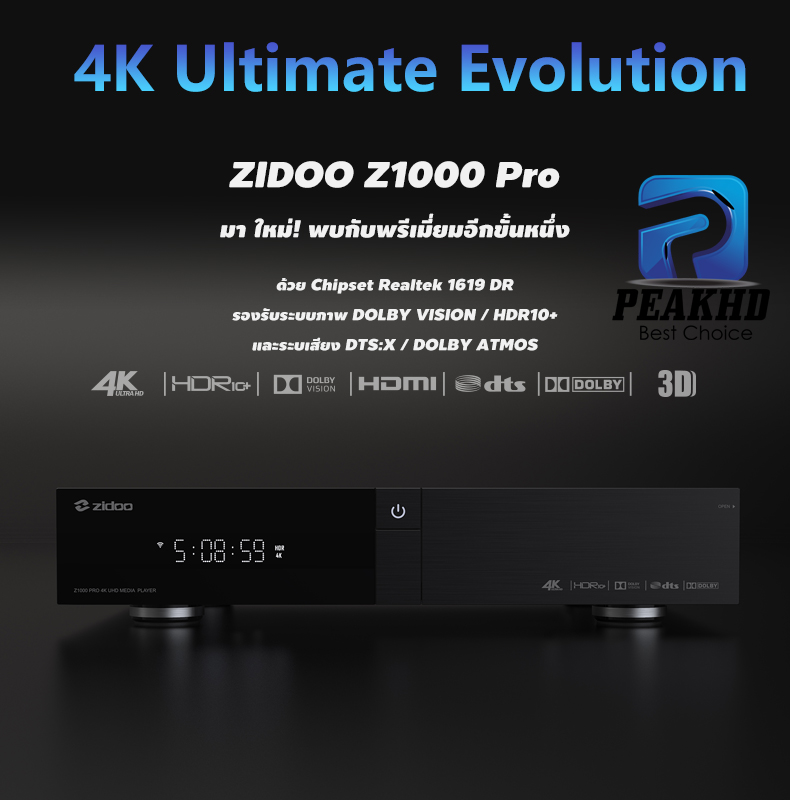
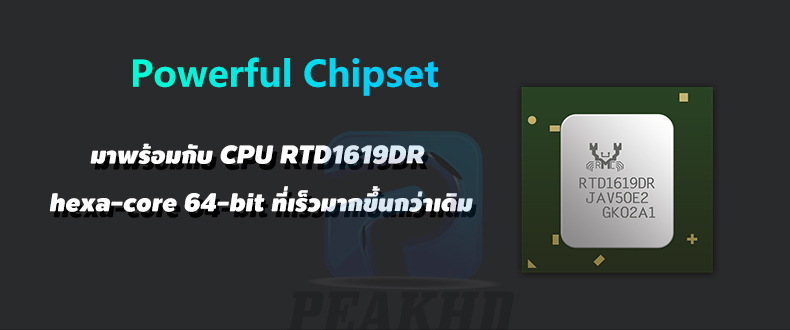
ZIDOO Z1000 Pro ใหม่ มาพร้อม Chipset Realtek 1619
ให้ RAM 2GB(DDR4) และ ROM 16GB
มาพร้อมกับ Drives Power ที่ลดสัญญาณรบกวน ช่วยให้ภาพและเสียงดีขึ้น
และวัสดุเครื่องที่พรีเมี่ยมขึ้น
https://haloolahraga.com/profil-matt-baker-perjalanan-karier-dan-prestasinya/
รวมถึงยังพัฒนาขึ้นมาอย่างต่อเนื่อง ตั้งแต่ Realtek 1295-1619
[/vc_message][vc_single_image image=”6023″ img_size=”full” add_caption=”yes” alignment=”center” style=”vc_box_shadow” css_animation=”fadeInUp” lazy_loading=”true”][vc_message message_box_color=”black” icon_fontawesome=”” css_animation=”fadeIn”]
ZIDOO Z1000 Pro ใหม่ มาพร้อม REALTEK1619 ใหม่ ที่รองรับ HDR10+ และ Dolby Vision อย่างสมบูรณ์แบบ
นี้คือการก้าวกระโดดของ Chipset ของ Realtek อีกขั้นนึง
[/vc_message][vc_single_image image=”6024″ img_size=”full” add_caption=”yes” css_animation=”fadeInUp” lazy_loading=”true”][vc_message message_box_color=”black” icon_fontawesome=””]
ZIDOO Z1000 Pro ใหม่ มาพร้อม RAM 2GB DDR4 และ Storage 32GB
ซึ่งเพียงพอต่อการใช้งานโดยรวมได้เป็นอย่างดี
[/vc_message][vc_single_image image=”6025″ img_size=”full” add_caption=”yes” css_animation=”fadeInUp” lazy_loading=”true”][vc_single_image image=”6026″ img_size=”full” add_caption=”yes” css_animation=”fadeInUp” lazy_loading=”true”][vc_message message_box_color=”black” icon_fontawesome=””]
ZIDOO Z1000 Pro ใหม่
มาพร้อม Drives Power ที่ช่วยลดทอนสัญญาณรบกวนได้ ช่วยให้ภาพและเสียงดีขึ้น
ตัวเครื่องขึ้นรูปมาด้วยโลหะที่มีคุณภาพและมีการระบายความร้อนผ่านบอดี้ของเครื่อง
ซึ่งมีพัดลมเพื่อระบายอากาศที่ด้านหลังของเครื่อง ยืดอายุการใช้งานมากขึ้น
[/vc_message][vc_single_image image=”6027″ img_size=”full” add_caption=”yes” css_animation=”fadeInUp” lazy_loading=”true”][vc_single_image image=”6042″ img_size=”full” add_caption=”yes” css_animation=”bounceIn” lazy_loading=”true”][vc_single_image image=”6040″ img_size=”full” add_caption=”yes” css_animation=”bounceIn” lazy_loading=”true”][vc_single_image image=”5828″ img_size=”full” add_caption=”yes” css_animation=”fadeInUp” lazy_loading=”true”][vc_single_image image=”5829″ img_size=”full” add_caption=”yes” css_animation=”bounceIn” lazy_loading=”true”][vc_single_image image=”6032″ img_size=”full” add_caption=”yes” css_animation=”fadeInUp” lazy_loading=”true”][vc_single_image image=”5507″ img_size=”full” add_caption=”yes” css_animation=”bounceIn” lazy_loading=”true”][vc_single_image image=”6034″ img_size=”full” add_caption=”yes” css_animation=”bounceIn” lazy_loading=”true”][vc_single_image image=”5826″ img_size=”full” add_caption=”yes” css_animation=”fadeInUp” lazy_loading=”true”][vc_single_image image=”5827″ img_size=”full” add_caption=”yes” css_animation=”fadeInUp” lazy_loading=”true”][vc_single_image image=”5816″ img_size=”full” add_caption=”yes” css_animation=”fadeInUp” lazy_loading=”true”][vc_single_image image=”5843″ img_size=”full” add_caption=”yes” css_animation=”bounceIn” lazy_loading=”true”][vc_message message_box_style=”solid-icon” message_box_color=”black” icon_fontawesome=”fa fa-sort-amount-desc” css_animation=”fadeIn”]
HDR10+ ดีกว่า HDR10 และ HDR ตรงที่การปรับโทนสี เฉดสีใน HDR10+ จะปรับในแต่ละเฟรมทั้งเรื่อง
ในขณะนี้ HDR10 / HDR ทำได้เพียงโทนเดียวทั้งในเฟรมเรื่องนั้น
และค่า Nits คือ ความเข้มของการส่องสว่างต่อพื้นที่หนึ่งตารางเมตร
[/vc_message][vc_single_image image=”5830″ img_size=”full” add_caption=”yes” css_animation=”fadeInUp” lazy_loading=”true”][vc_single_image image=”6035″ img_size=”full” add_caption=”yes” css_animation=”bounceIn” lazy_loading=”true”][vc_single_image image=”6036″ img_size=”full” add_caption=”yes” css_animation=”bounceIn” lazy_loading=”true”][vc_single_image image=”5516″ img_size=”full” add_caption=”yes” css_animation=”fadeInUp” lazy_loading=”true”][vc_single_image image=”6037″ img_size=”full” add_caption=”yes” css_animation=”fadeInUp” lazy_loading=”true”][vc_single_image image=”5515″ img_size=”full” add_caption=”yes” css_animation=”fadeInUp” lazy_loading=”true”][vc_single_image image=”6038″ img_size=”full” add_caption=”yes” css_animation=”fadeInUp” lazy_loading=”true”][vc_message message_box_style=”solid-icon” message_box_color=”black” icon_fontawesome=”” css_animation=”fadeIn”]
Zidoo Z1000 PRO หากที่บ้านของคุณมี Nas server หรือคอมพิวเตอร์ PC
ที่มีไฟล์หนังบรรจุอยู่ ท่านสามารถที่จะเล่นผ่านระบบ Lan network ในบ้าน
โดยเครื่อง Zidoo Z1000 PRO สามารถที่จะดึงข้อมูลออกมาและแสดงผลได้อย่างดีเยี่ยม
[/vc_message][vc_single_image image=”5519″ img_size=”full” add_caption=”yes” css_animation=”fadeInUp” lazy_loading=”true”][vc_single_image image=”5520″ img_size=”full” add_caption=”yes” css_animation=”fadeInUp” lazy_loading=”true”][vc_single_image image=”5521″ img_size=”full” add_caption=”yes” css_animation=”fadeInUp” lazy_loading=”true”][vc_single_image image=”5882″ img_size=”full”][vc_single_image image=”6204″ img_size=”full”][vc_row_inner][vc_column_inner width=”1/2″][vc_btn title=”ซื้อที่ LAZADA” color=”orange” align=”center” i_icon_fontawesome=”fas fa-share-square” button_block=”true” add_icon=”true” link=”url:https%3A%2F%2Fshopee.co.th%2Fpeakhdplayer|||”][vc_single_image image=”6045″ alignment=”center” style=”vc_box_shadow_3d” onclick=”custom_link” link=”https://shopee.co.th/peakhdplayer”][/vc_column_inner][vc_column_inner width=”1/2″][vc_btn title=”ซื้อที่ SHOPEE” style=”3d” color=”orange” align=”center” i_icon_fontawesome=”fas fa-cart-arrow-down” button_block=”true” add_icon=”true” link=”url:https%3A%2F%2Fshopee.co.th%2Fproduct%2F13582684%2F5848391057%2F|||”][vc_single_image image=”6045″ alignment=”center” style=”vc_box_shadow_3d” onclick=”custom_link” link=”https://shopee.co.th/product/13582684/5848391057/”][/vc_column_inner][/vc_row_inner][/vc_column][/vc_row]
by myadmin | Aug 17, 2020 | Tip วิธีใช้งาน , TIP-Zidoo , ข่าวสาร Update ใหม่
[vc_row][vc_column][vc_message message_box_color=”black”]หากสินค้าเกิดปัญหาขึ้นมาจากการแฟลชของลูกค้า ทางร้านไม่จำเป็นต้องรับผิดชอบ
ต่อการแฟลชเครื่องของลูกค้า เพราะเนื่องจากนี้เป็นเพียงวิธีแนะแนวการแก้ไขเท่านั้น
โปรดทำการแฟลชด้วยความระมัดระวังและขอสงวนสิทธิ์การรับประกัน[/vc_message][vc_row_inner][vc_column_inner][vc_column_text]
[TIP-TRICK] การเพิ่ม PLAYSTORE สำหรับ ZIDOO Z9X / Z10 PRO / Z1000 Pro
[/vc_column_text][/vc_column_inner][/vc_row_inner][vc_message message_box_color=”juicy_pink”]
ขั้นตอนที่ 1. ต้องเช็คว่าเฟิมแวร์ของเราลงท้าย ด้วยตัว G หรือไม่
ไปที ่Setting >> other >> about แล้วดูว่าคล้ายกับในภาพนี้
https://haloolahraga.com/dewa-united-fc-klub-sepak-bola-tangguh-dari-tangerang-selatan/
กรณีที่ไม่มีท่านต้องทำการโหลดเฟิมแวร์เวอชั่น G ลงใหม่ได้ จากหน้าเว็บไซ https://www.zidoo.tv/
[/vc_message][vc_single_image image=”6646″ img_size=”full” alignment=”center”][/vc_column][/vc_row][vc_row][vc_column][vc_separator color=”black”][vc_message message_box_color=”juicy_pink”]
ทุกครั้งที่คืนค่าโรงงานหรืออัพเฟิมแวร์ ! ต้องลงทะเบียน Google
ขั้นตอนที่ 2. ลงทะเบียน PLAYSTORE จาก GOOGLE
1.ทำการต่อ internet ทิ้งไว้ 2 นาที หลังจากอัพเดดเฟิมแวร์แล้ว
2.ไปที่ Quick setting ไปที่ Other เลื่อนลงมาล่างสุดที่ About หาเลข GSFID ตามภาพด้านล่าง ถ้ายังไม่แสดงให้รอสักครู่ หรือปิดเปิดเครื่องใหม่
[/vc_message][vc_single_image image=”5994″ img_size=”full” alignment=”center” onclick=”zoom”][vc_message message_box_color=”juicy_pink”]
3.จดเลข GSFID ครับ แล้วให้ไปใส่ที่ลิ้งด้านล่างนี้ โดยเข้าลิ้งจากมือถือ หรือคอมพิวเตอร์ก็ได้ กดที่ลิ้งนี้ https://www.google.com/android/uncertified
[/vc_message][vc_btn title=”https://www.google.com/android/uncertified” color=”black” align=”center” link=”url:https%3A%2F%2Fwww.google.com%2Fandroid%2Funcertified|||”][vc_single_image image=”5997″ img_size=”full” alignment=”center” onclick=”zoom”][vc_message message_box_color=”juicy_pink”]
4.หลังจากลงทะเบียน รอประมาณ 3-4 นาที PLAYSTORE จะใช้งานได้ปกติและหรือ ลองปิด-เปิดเครื่องใหม่ หากยังไม่ได้ครับ

[/vc_message][/vc_column][/vc_row][vc_row][vc_column][/vc_column][/vc_row]