The most captivating Amsterdam escort services are just one step away. At https://amsterdam-escorts.com , you’ll find women who love to connect, entertain, and share something memorable.
Note: Egreat A5 EN firmware includes “Release” version and “Beta” version,
“Release” version firmware that you can download it click here
“Beta” version firmware is only for some enthusiasts who like to test some new problems and solved problems in advanced.
Egreat A5/A10 USB update instruction การอัพเดดเครื่องจากเมนูในตัวเครื่อง
1. Please download the forced recovery firmware from the company’s official website (www.egreatworld.com), the forced recovery firmware contains the following 4 files: update.zip, fastboot.bin, recovery.img, bootargs.bin
Please do not modify the file name, and copy these four files to the root directory of the U-disk of FAT32 disk format.
2. Then insert the U-disk into any USB interface of this machine.
3.Then enter the “Setting” from the home page interface and enter “About”, select “USB update” option, select the letter of current drive(usually D) for U-disk or mobile hard disk in the drop-down option, after press the OK key to confirm, the system will automatically find the update firmware xxx.zip from, after completed the detection, the system will automatically complete the upgrade process. The TV screen will appear green android small robot animation icon during the process of upgrading, please be patient.
4. After the USB update is completed, this machine will automatically restart, after restart, the player can be normally put into use.
The steps for system forced refresh/recovery system are as follows.
1. Please download the forced recovery firmware from the company’s official website (www.egreatworld.com), the forced recovery firmware contains the following 4 files: update.zip, fastboot.bin, recovery.img, bootargs.bin
Please do not modify the file name, and copy these four files to the root directory of the U-disk of FAT32 disk format, and must be less than 32GB.
2. Cut off the power supply of this machine, inset the U-disk into the USB3.0 interface of this machine, with a slender hard object (something like the clip after expansion) to insert into the RST small round hole, keep holding down the RST key in RST round hole not loosened, turn on the machine power after holding down the RST button.
4. Please be patient, after the forced refresh/recovery system is completed, this machine will automatically restart, after restart, the player can be normally put into use.
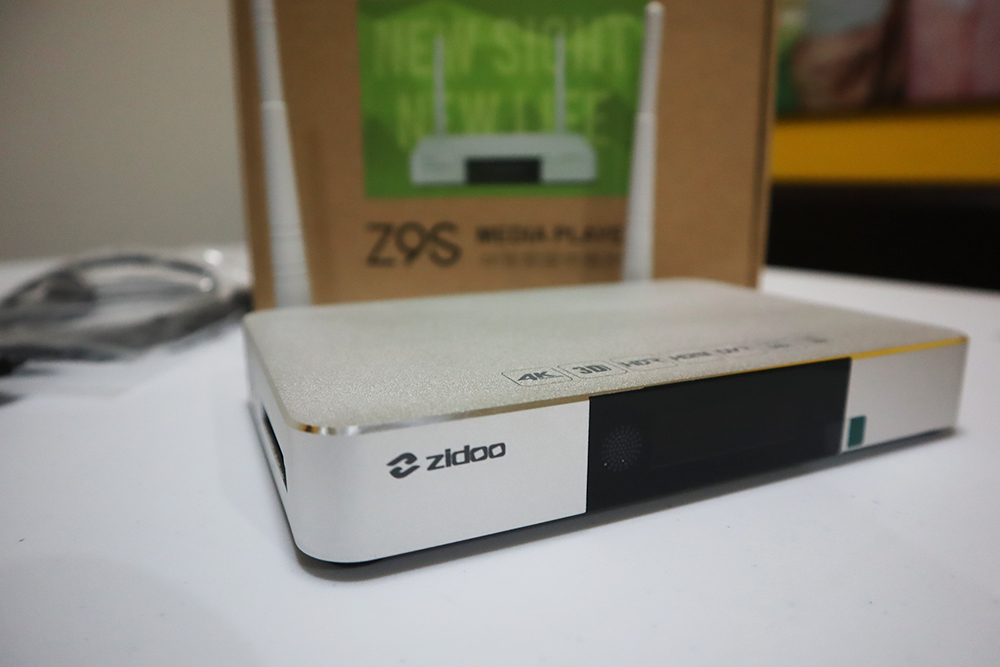
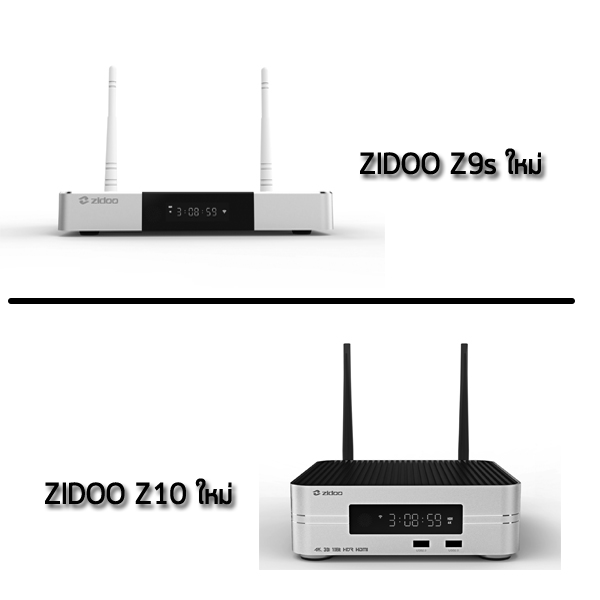
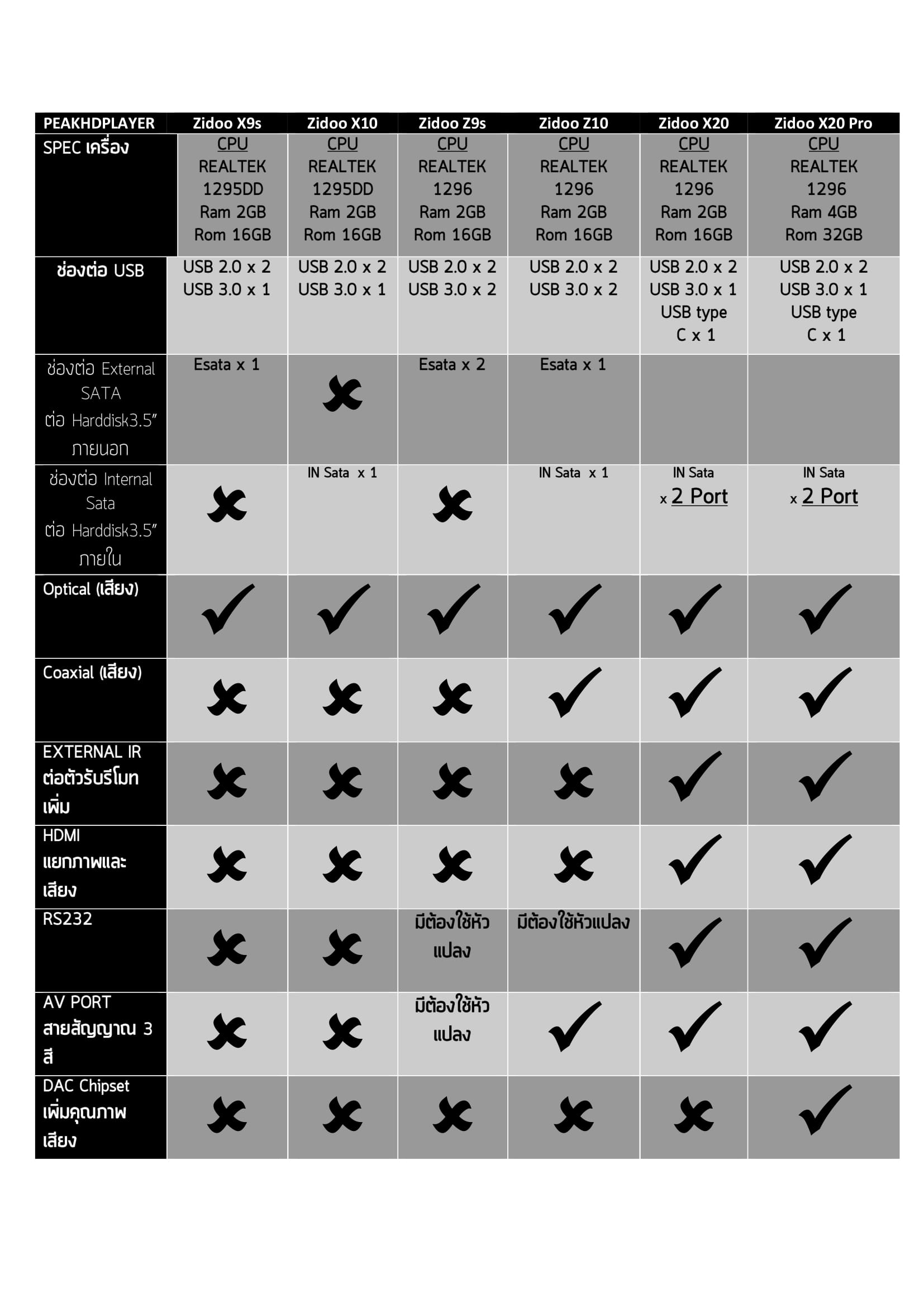
Shell Aviation Aluminum alloy case in silver OS Android 7.1 + OpenWRT(NAS) dual system run simultaneously CPU Realtek RTD1296DD ARM Cortex-A53 Quad-Core GPU Mali T820 MP3 Memory 2GB DDR Internal Storage 16GB eMMC Wifi Connectivity 802.11 a/b/g/n/ac 2×2 MIMO 867Mbps GIGABIT LAN 1*RJ-45 Ethernet Jack (10/100/1000Mbps) Bluetooth BT4.1 HDMI Port: HDMI2.0a Output HDMI 2.0a, Support 4K@60fps, HDR10 HDMI2.0 Input HDMI 2.0 Video decode HDR, 10-bit HEVC/H.265 up to 4K@60fps,
VP9 up to 4K@60fps, H.264 up to 4K@24fps Audio decode Support HD audio multichannel pass through and stereo decoding USB Port 2* USB3.0
2 * USB2.0 Power DC 12V/3A Other interface 1 * 3.5mm RS232
1 * IR receiver
1 * 3.5mm Cvbs Audio R/L
1 * OPTICAL (2CH, 5.1CH)
1 * Key ( Recovery) 2 * SATA3.0 ( To connect Serial ATA ) 1 * VFD display ( with LED light) 1 * LED (Shutdown of red) What’s in the box: 1*Media Player
1*Remote Control
1*HDMI Cable
1*Power Adapter
1*User Manual
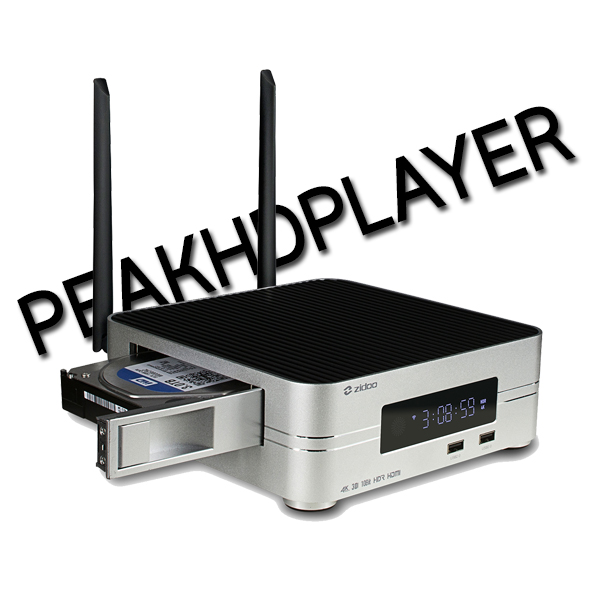
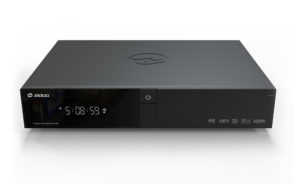
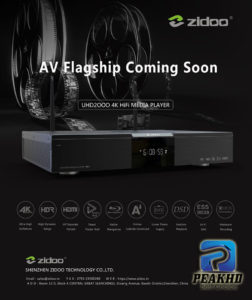
ZIDOO Z10
Model Z10 Shell Aviation Aluminum alloy case in silver+black OS Android 7.1 + OpenWRT(NAS) dual system run simultaneously CPU Realtek RTD1296 ARM Cortex-A53 Quad-Core GPU Mali T820 MP3 Memory 2GB DDR Internal Storage 16GB eMMC Wifi Connectivity IEEE 802.11 a/b/g/n/ac 2×2 MIMO 867Mpbs GIGABIT LAN 1*RJ-45 Ethernet Jack (10/100/1000Mbps) Bluetooth BT4.1 HDMI Port: HDMI2.0a Output HDMI 2.0a, Support 4K@60fps, HDR10 HDMI2.0 Input HDMI 2.0 Video decode HDR, 10-bit HEVC/H.265 up to 4K@60fp
VP9 up to 4K@60fps, H.264 up to 4K@24fps Audio decode Support HD audio multichannel pass through and stereo decoding USB Port 2* USB3.0
2 * USB2.0 Power DC 12V/3A HDD Bay 1*3.5″ HDD Bay with SATA 3.0 Other interface 1 * 3.5mm RS232
1 * IR receiver
1 * RCA Cvbs
1 * RCA Audio L/R
1 * OPTICAL (2CH, 5.1CH)
1 * RCA coaxial
1 * Key Recovery
1 * SATA3.0 ( To connect Serial ATA ) 1 * VFD display ( with LED light) What’s in the box: 1*Media Player
1*Remote Control
1*HDMI Cable
1*Power Adapter
1*User Manual
Many users search for how to get 1xbet promo code The most reliable method is to visit the official 1xBet website or their promoted affiliate pages. These official sources always provide the current, valid code for new players, ensuring you get the full 100% welcome bonus without any risk of using an expired or invalid code.













![[IMG]](http://en.egreatworld.com/comunity/data/attachments/0/41-0c09bee7b408388660fd54526f62cee3.jpg)
![[IMG]](http://en.egreatworld.com/comunity/data/attachments/0/190-dd7e12452619e9750ad429334f966abf.jpg)