- New feature: Google Play Store and Google Services support added, with a
  unique possibility to easily enable/disable Google Services depending on
  user needs (when disabled, they are not installed, do not perform various
  things in background, do not consume system resources). Google Services
  are initially disabled and are automatically enabled when pressing
  "Google Play Store" icon in "Android applications" section for the first
  time. After Google Services are enabled, they can be disabled by
  resetting settings to factory defaults.

- New feature: Added a new setting "Audio / Digital audio connector" with
  options "HDMI (HD audio enabled)" (default) and "S/PDIF (HD audio
  disabled"). Should be set to "S/PDIF (HD audio disabled)" when outputting
  audio in bitstream mode to S/PDIF (or to HDMI equipment not supporting HD
  audio).

- New feature: Added setting "Setup / Misc / Encodings / Subtitles
  encoding" which allows to specify subtitles encoding (same as on Sigma
  models).

- New feature: REPEAT and SHUFFLE functions for playlists are now
  implemented (same as on Sigma models).

- New feature: Sleep timer is now implemented (same as on Sigma models,
  works only when working with Dune HD GUI). By default it is disabled. It
  can be enabled via the new setting "Setup / Misc / Power manamenent /
  Sleep timer".

- New feature: Discrete power-on and power-off IR codes are now supported
  (codes 5F and 5E, same as on Sigma models).

- Improvement: List of audio tracks and subtitle tracks now shows more
  information (and more correct information) about tracks.

- Improvement: YouTube icon (in "Android applications") now installs a
  newer version of YouTube, with 4K video support.

- Improvement: CEC is now disabled by default.

- Improvement: VFD display now shows current time in 24 hour format (same
  as it is shown on TV screen).

- Improvement: In initial setup wizard, the suggested by default timezone
  is now automatically detected based on GeoIP (when Internet is
  accessible).

- Improvement: In initial setup wizard, if the connected TV supports 4K, 4K
  resolution is now recommended by default.

- Improvement: When UI Type 1 is used, "Android applications" section is
  now also available.

- Improvement: When UI Type 2 is used, the "Applications" tab now has a
  proper title "Applications" (rather than "Dune HD Applications").

- Improvement: On power-on, an unneeded extra HDMI reinitialization took
  place.

- Improvement: In System setup menu, some unneeded and non-working
  Android-related settings are removed.

- Improvement: Debug dump now includes more useful information.

- Bugfix: It was possible to exit standby mode by various wrong IR codes.

- Bugfix: It was possible to exit standby mode by switching the connected
  HDMI equipment on/off.

- Bugfix: Some AVI files could not be played.

- Bugfix: Playback crash could happen when stopping or finishing playback.

- Bugfix: Player could randomly reboot in some rare cases.

- Bugfix: When saving debug dump to NTFS-formatted storage device, the
  system could hang.

- Bugfix: SD cards were wrongly mounted read-only.

- Bugfix: In some rare cases, GUI could stop responding to any RC button
  presses.

- Improvements for PHP plugins and PHP API:

   - New feature: New action "RESTART" is introduced, with parameter
     "reboot" (possible values "yes" and "no"), which allows the plugin to
     request GUI restart or full reboot.

   - New feature: "PLUGIN_OPEN_FOLDER" action is extended with the new
     parameter "sel_id", which can be used to preselect the given item in
     regular folders (value is media_url of the item to preselect).

   - New feature: For TV plugins which support TV archive (catchup),
     LEFT/RIGHT RC buttons can now be used to switch to archive mode and
     seek in the archive even in Live TV mode. For TV plugins which do not
     support archive, LEFT/RIGHT RC buttons are now correctly ignored in
     Live TV mode.

   - New feature: "PLAYBACK_STOP" action now supports the following
     additional parameters: "plugin_vod_stop_position",
     "plugin_vod_duration", "plugin_vod_start_tm", "plugin_vod_stop_tm",
     "plugin_vod_prebuffering_end_tm".

   - Improvement: When loading images from HTTPS, the performance is now
     improved.

   - Improvement: When PHP plugin uses auto-resume functionality,
     "ip_address_required" setting is now enabled by default for this
     plugin.

   - Improvement: Icon archives are now loaded with improved performance
     and reliability.

   - Improvement: folder ".platform.android" can now be used to store
     Android-specific versions of platform-dependent plugin files (such has
     native executables) in the plugin (similar to ".platform.87xx" folder
     that can be used for SMP87xx-specific files).

   - Bugfix: "/tmp/run/ext_command.state" was not implemented; now it
     contains the information about current playback state (same as on
     Sigma models).

   - Bugfix: Playback timer did not work.

   - Bugfix: Saving/restoring playback position during auto-resume and
     setting initial playback position using
     PluginVodInfo::initial_position_ms did not work properly.

   - Bugfix: In "PLAYBACK_STOP" action, in rare cases,
     "plugin_vod_series_ndx" and "plugin_tv_channel_id" parameters could
     contain wrong information.

   - Bugfix: When switching to playlist item N, the next item (N+1) was
     actually wrongly used.

   - Bugfix: In TV OSD, crash could occur in some specific cases when
     trying to scroll through the list of TV channels.

- Updated/improved UI translations for some languages.

- Some other minor improvements/fixes.

NOTE: In comparison with the version 180317_0153_r13, this firmware version
also includes the following changes which were included in the version
180320_1247_r13:

- New feature: Added a new setting "Misc / Power Managment / POWER button
  behavior" with options "Power off" (default) and "Software standby".
  "Software standby" means that CPU and OS services continue running when
  the player is in standby mode (useful when NAS functionality such as SMB
  server is used) (same as on Sigma models).

- New feature: long-pressing "POWER" RC button shows a menu with options
  "Power off" (put the player in "Power off" standby mode) and "Restart"
  (reboot the player).

- New feature: Subtitles visualization settings (vertical offset, color,
  font) are now remembered (same as on Sigma models).

- New feature: Added a new setting "Video / Advanced / Preferred HDMI color
  depth" with options "Maximum" and "As in content" to allow even more
  precise control of all parameters of HDMI signal. "Maximum" (default)
  means use HDMI color depth supported by the connected HDMI equipment
  (according to "Maximum HDMI color depth" setting), even if content with
  lower color depth is played (e.g. output 10 bit when outputting to a TV
  supporting 10 bit when 8 bit content is played). "As in content" means
  use HDMI color depth as in content, even if the connected HDMI equipment
  supports higher color depth (e.g. output 8 bit when outputting to a TV
  supporting 10 bit when 8 bit content is played).

- Improvement: Default video settings and "Auto" logic of video settings
  now work in a way which ensures a better compatibility with some
  projectors.

- Improvement: In "Video / Advanced" menu, confirmation dialogs are shown
  when attempting to change settings which usually should not be changed
  without a reason.

- Improvement: When performing "Reset Settings" action, a message is now
  shown while the system is handling it.

- Improvement: On power-on, front panel LED indicator is now switched to
  blue color immediately.

- Bugfix: ISO with quotes in filename could not be played.
Dune HD Solo Lite
Version “170602_0154_r11”(the latest stable version)
This firmware is a minor update for the previous firmware version
(170602_0153_r11) with regression fixes and some other small improvements
and fixes.

- Bugfix: SMB server did not work properly in some cases, e.g. access from
  PC to HDD attached to Dune HD box via SMB using simple
  "\player_ip_address" syntax could not work. The bug was introduced in
  the previous firmware version (170602_0153_r11) when implementing SMB
  server vulnerability fix.

- Bugfix: MOVIES and MUSIC RC buttons were not supported in some cases.

- Bugfix: covers in FLAC files could not be shown.

- Bugfix: music playback crash could occur in some cases when playing a CUE
  sheet with multiple ALAC files.

- Bugfix: HTTP/TS playback dune_param lower_cpu_load:1 could cause severe
  distortions with bitrates more than 5 Mbit/s in some cases. This is
  important for plugins which use this dune_param.

- Bugfix: GUI crash could occur in some cases after returning to the screen
  with on-screen-keyboard UI control.

- Bugfix: GUI crash could occur in some rare cases when stopping playback
  immediately after start.

- Bugfix: wrong PIDs were saved for plugins.

- Improvement: added correct support for adding plugin entry point to
  "Favorites" even if plugin has multiple entry points, and even if entry
  point is on the main screen. So it is now possible to easily add for
  example "My Collection" or "Movies" to Favorites (and enable auto start
  for them, if needed).

- Improvement: TTF font setting is now "Regular" by default instead of
  "Light", to make text more readable on Movie screen and similiar screens.
  This change takes effect after settings reset or when installing r11
  firmware over b9 firmware.

- Improvement: removed unneeded delay in reaction to RC buttons press on
  upgrade confirmation screen.

- Improvement: minor fix for animation over the gap between icons on the
  main screen.

- Some other minor improvements/fixes.
Dune HD Duo 4K
Version “170602_0154_r11”(the latest stable version)
This firmware is a minor update for the previous firmware version
(170602_0153_r11) with regression fixes and some other small improvements
and fixes.

- Bugfix: SMB server did not work properly in some cases, e.g. access from
  PC to HDD attached to Dune HD box via SMB using simple
  "\player_ip_address" syntax could not work. The bug was introduced in
  the previous firmware version (170602_0153_r11) when implementing SMB
  server vulnerability fix.

- Bugfix: MOVIES and MUSIC RC buttons were not supported in some cases.

- Bugfix: covers in FLAC files could not be shown.

- Bugfix: music playback crash could occur in some cases when playing a CUE
  sheet with multiple ALAC files.

- Bugfix: HTTP/TS playback dune_param lower_cpu_load:1 could cause severe
  distortions with bitrates more than 5 Mbit/s in some cases. This is
  important for plugins which use this dune_param.

- Bugfix: GUI crash could occur in some cases after returning to the screen
  with on-screen-keyboard UI control.

- Bugfix: GUI crash could occur in some rare cases when stopping playback
  immediately after start.

- Bugfix: wrong PIDs were saved for plugins.

- Improvement: added correct support for adding plugin entry point to
  "Favorites" even if plugin has multiple entry points, and even if entry
  point is on the main screen. So it is now possible to easily add for
  example "My Collection" or "Movies" to Favorites (and enable auto start
  for them, if needed).

- Improvement: TTF font setting is now "Regular" by default instead of
  "Light", to make text more readable on Movie screen and similiar screens.
  This change takes effect after settings reset or when installing r11
  firmware over b9 firmware.

- Improvement: removed unneeded delay in reaction to RC buttons press on
  upgrade confirmation screen.

- Improvement: minor fix for animation over the gap between icons on the
  main screen.

- Some other minor improvements/fixes.
Dune HD Solo 4K
Version “170602_0154_r11”(the latest stable version)
This firmware is a minor update for the previous firmware version
(170602_0153_r11) with regression fixes and some other small improvements
and fixes.

- Bugfix: SMB server did not work properly in some cases, e.g. access from
  PC to HDD attached to Dune HD box via SMB using simple
  "\player_ip_address" syntax could not work. The bug was introduced in
  the previous firmware version (170602_0153_r11) when implementing SMB
  server vulnerability fix.

- Bugfix: MOVIES and MUSIC RC buttons were not supported in some cases.

- Bugfix: covers in FLAC files could not be shown.

- Bugfix: music playback crash could occur in some cases when playing a CUE
  sheet with multiple ALAC files.

- Bugfix: HTTP/TS playback dune_param lower_cpu_load:1 could cause severe
  distortions with bitrates more than 5 Mbit/s in some cases. This is
  important for plugins which use this dune_param.

- Bugfix: GUI crash could occur in some cases after returning to the screen
  with on-screen-keyboard UI control.

- Bugfix: GUI crash could occur in some rare cases when stopping playback
  immediately after start.

- Bugfix: wrong PIDs were saved for plugins.

- Improvement: added correct support for adding plugin entry point to
  "Favorites" even if plugin has multiple entry points, and even if entry
  point is on the main screen. So it is now possible to easily add for
  example "My Collection" or "Movies" to Favorites (and enable auto start
  for them, if needed).

- Improvement: TTF font setting is now "Regular" by default instead of
  "Light", to make text more readable on Movie screen and similiar screens.
  This change takes effect after settings reset or when installing r11
  firmware over b9 firmware.

- Improvement: removed unneeded delay in reaction to RC buttons press on
  upgrade confirmation screen.

- Improvement: minor fix for animation over the gap between icons on the
  main screen.

- Some other minor improvements/fixes.
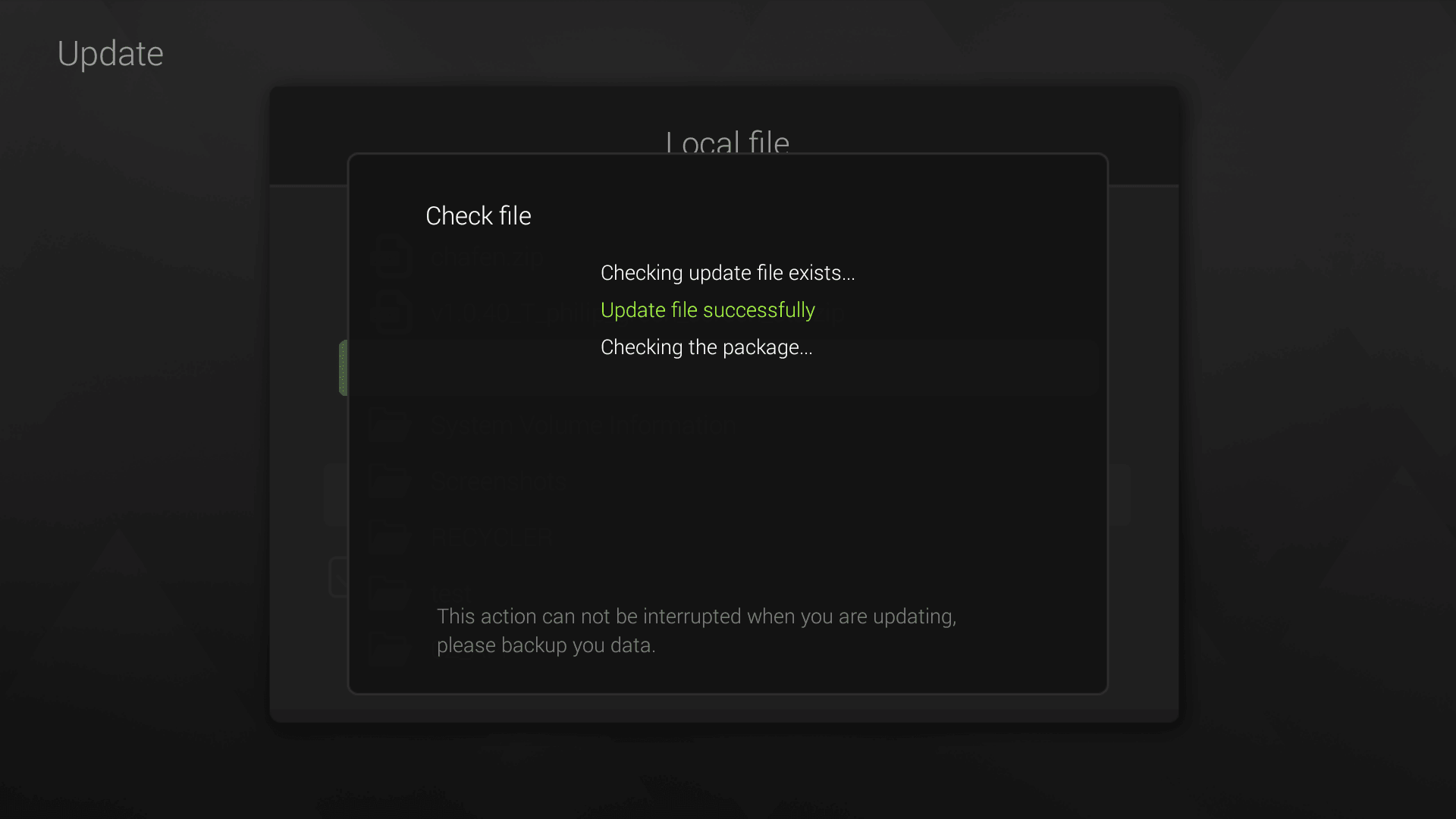
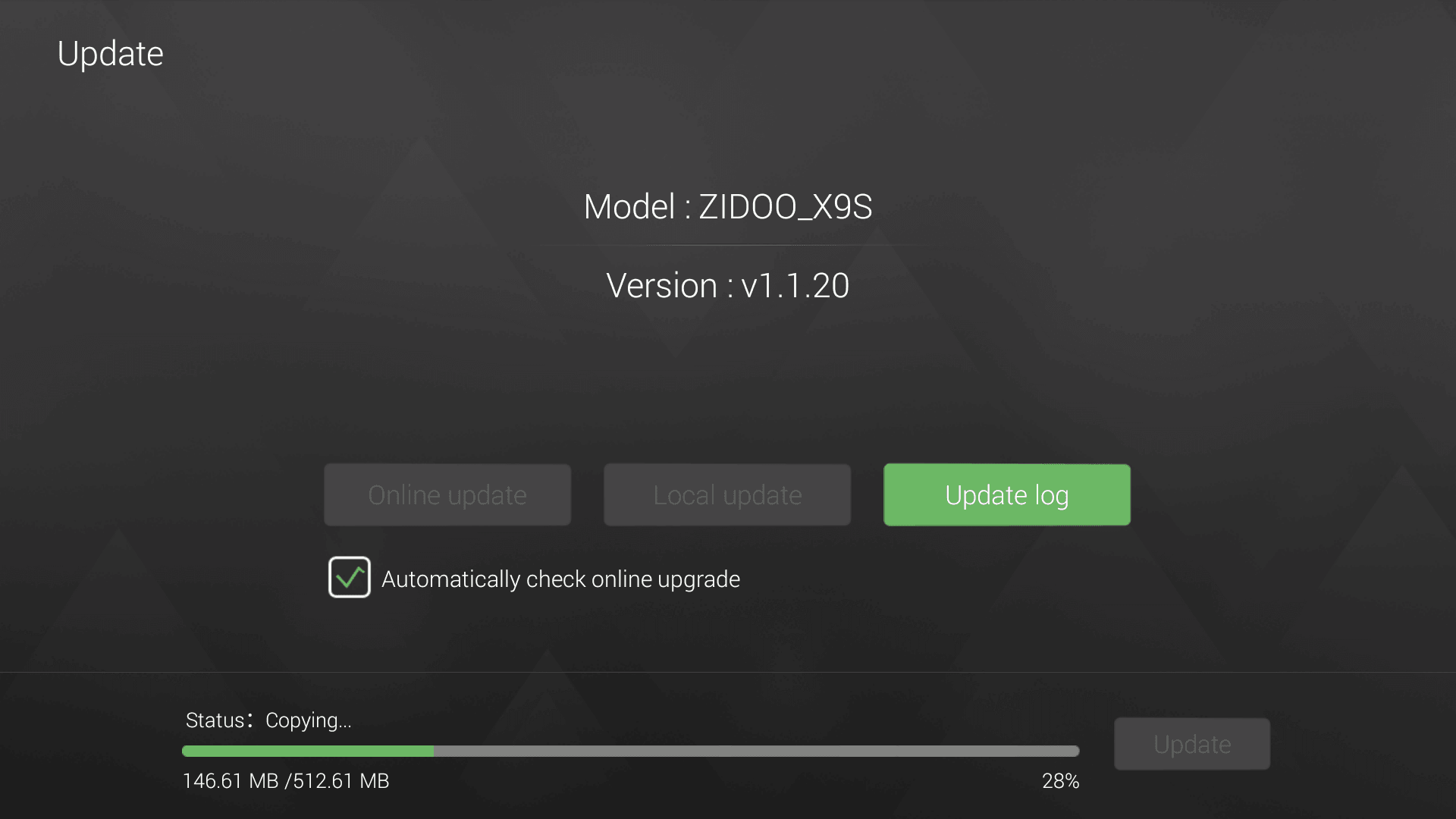
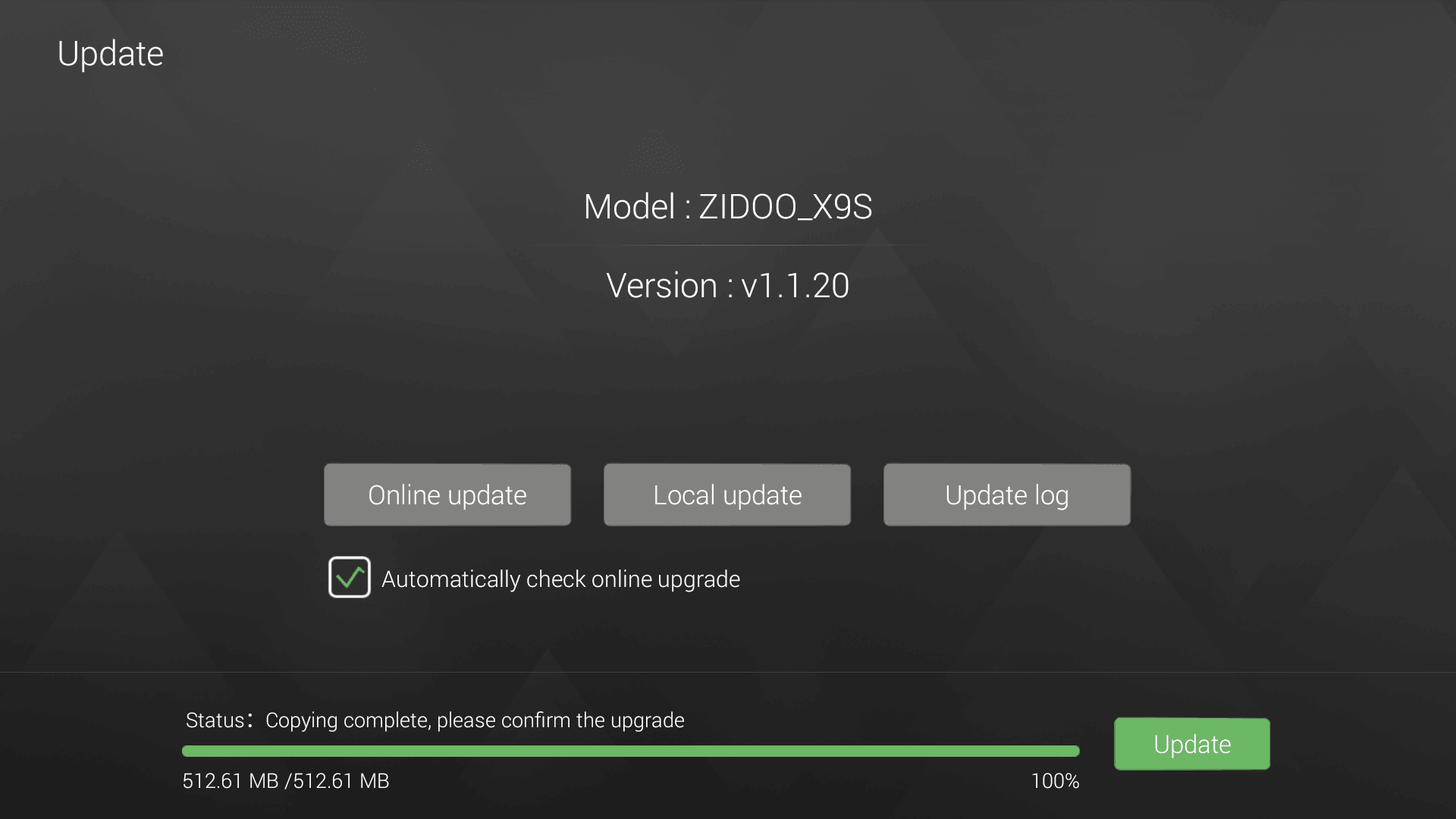
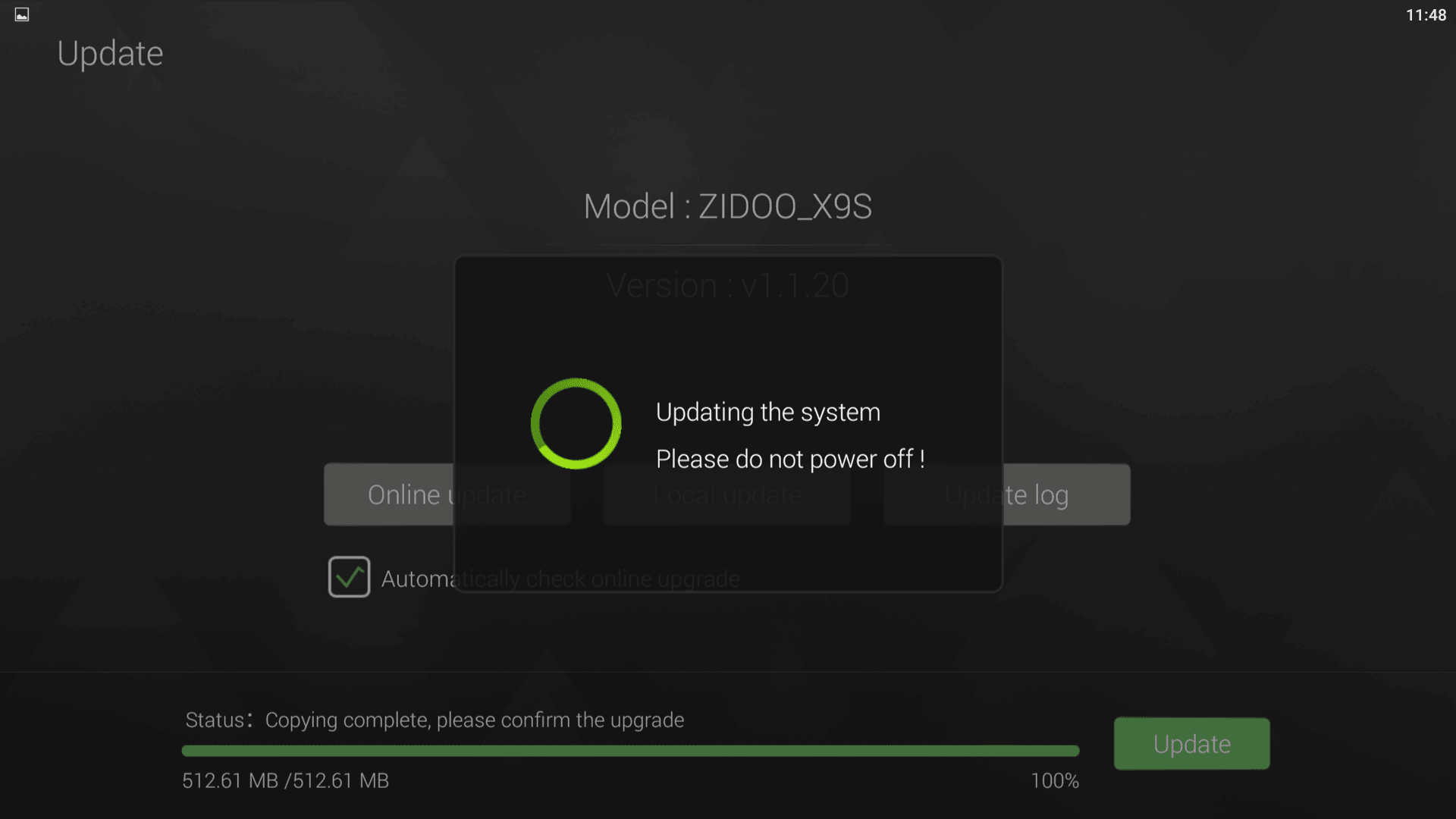
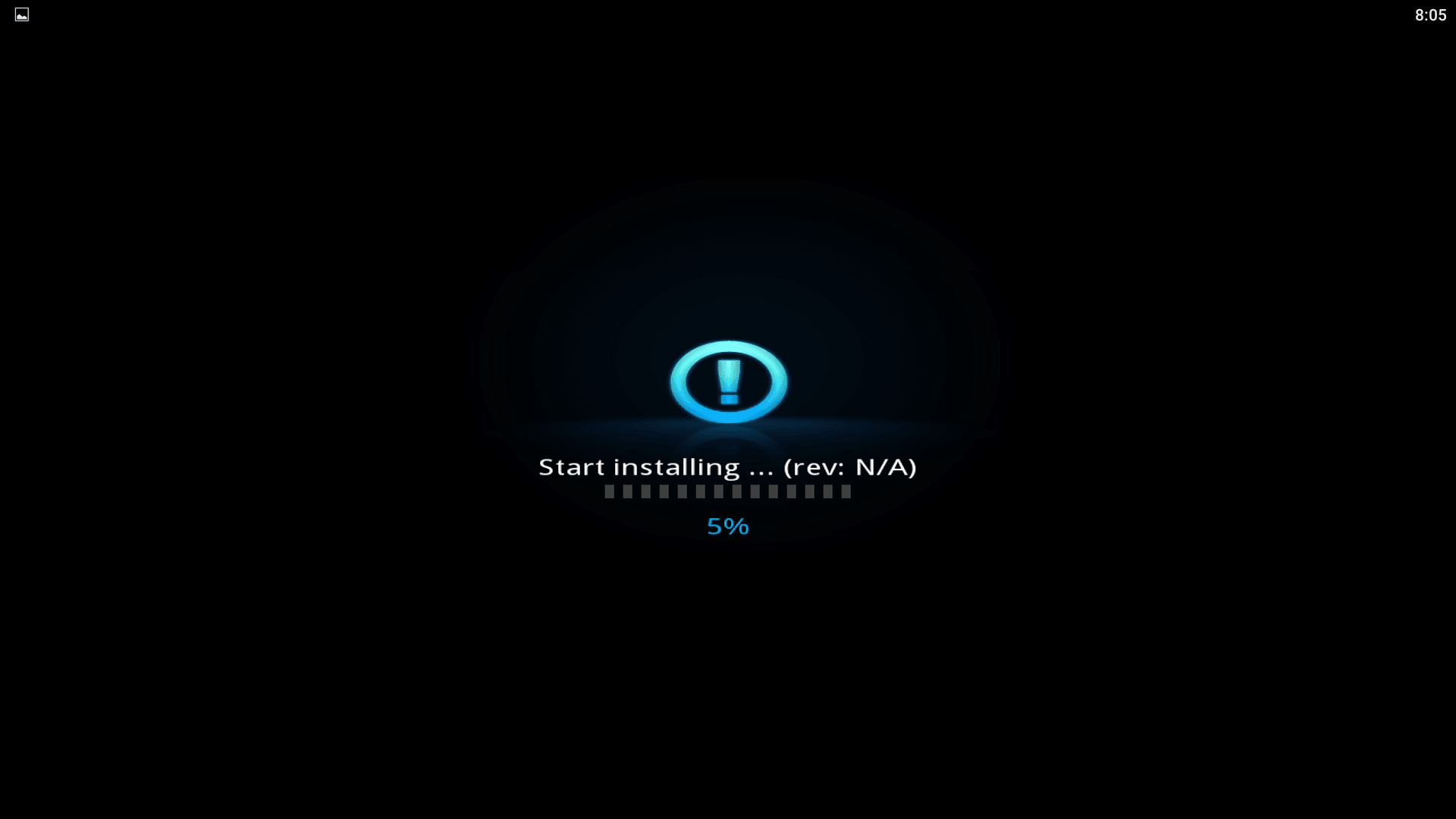
5.The SMART TV BOX will begin upgrading the firmware from the USB drive. ดูตัวอย่างการใช้งานได้ที่เว็บไซต์ https://dafabet.work/ เกมมากมายบนแพลตฟอร์มนี้ใช้ Peak HD Player
-กล่องจะอัพเดด ใช้เวลา 4-5 นาที
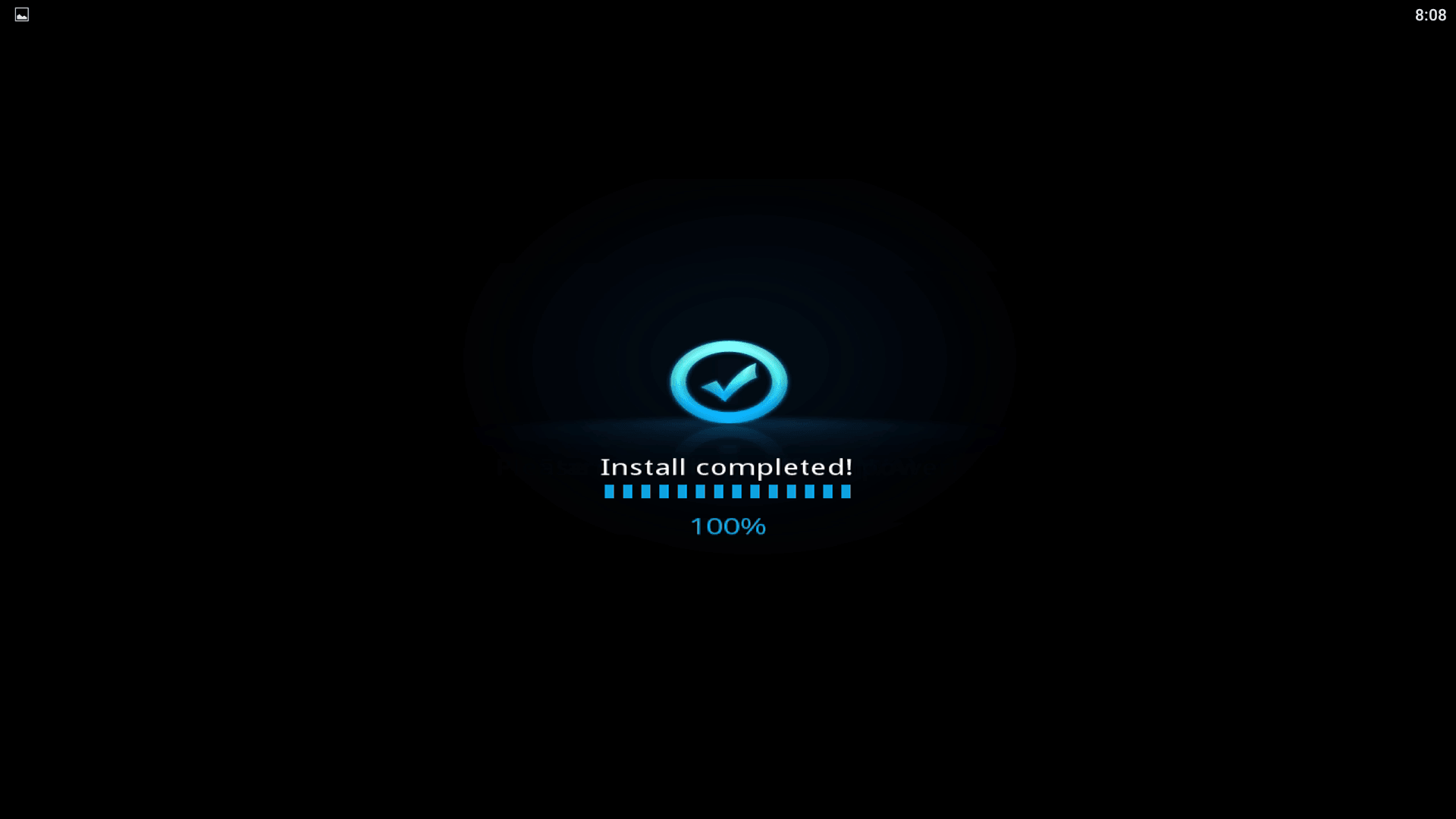
6. Wait for the SMART TV BOX to complete the upgrade. Please be patient as it may take around 5 minutes to complete.
Firmware details Archive: Sunvell T95Z Plus TV Box Firmware.zip Model: Sunvell T95Z Plus TV Box Image file size: 589 MB Platform: Amlogic S912 Image name: Sunvell T95Z Plus TV Box Firmware.img Inside archive: Sunvell T95Z Plus TV Box Firmware Firmware include the BestEBMC App (EntertainmentBox Media Centre ) Powered by Kodi 16.1
Sunvell T95Z Plus TV Box Amlogic S912 Octa Core Main Features:
● Amlogic S912 CPU with octa-core is rapid and stable, it can give you a high-speed feedback and smooth response. ● H.265 and VP9-10 Profile-2 decoding will offer you high definition pictures and movies. ● Dual-band WiFi plus 1000M LAN can improve the speed and the performance to a large extent. ● Large storage gives you more space to download your favorite apps to browse websites, play games, watch movies more smoothly. ● Maximum support 64GB TF card. ● Available storage: 3GB DDR3 RAM + 32G eMMC ROM or 2GB DDR3 RAM + 16G eMMC ROM.
Specification
General
Brand: Sunvell Model: T95Z Plus Type: TV Box System: Android 7.1 Processor: Amlogic S912 CPU: Amlogic S912 Core: 2.0GHz,Octa Core GPU: ARM Mali-T820MP3 RAM: 2G RAM,3G RAM RAM Type: DDR3 ROM: 16G ROM,32G ROM Maximum External Hard Drives Capacity: 1TB Color: Black
Media Supported
Decoder Format: “HD MPEG1/2/4,H.264,H.264/AVC,HD AVC/VC-1,RealVideo8/9/10,RM/RMVB,Xvid/DivX3/4/5/6 Video format: 1080P,AVI,AVS,DAT,H.265,ISO,MKV,MOV,MP4,MPEG,MPEG-1,MPEG-4,MPG,RM,VC-1,VP9-10 Profile-2,WMV Audio format: AAC,AC3,APE,DDP,DTS,FLAC,MP3,OGG,TrueHD,WAV,WMA Photo Format: BMP,GIF,JPEG,PNG,TIFF Support 5.1 Surround Sound Output: No
Product Details
5G WiFi: Yes Power Supply: Charge Adapter Interface: AV,DC Power Port,HDMI,Optical,RJ45,TF card,USB2.0 Language: Multi-language DVD Support: Yes HDMI Version: 2.0 Other Functions: DVD,Others External Subtitle Supported: No
Firmware Information
System Bit: 64Bit
Power Requirement
Power Type: External Power Adapter Mode
Dimension and Weight
Product weight: 0.2500 kg Package weight: 0.5530 kg Product size (L x W x H): 13.00 x 13.00 x 3.00 cm / 5.12 x 5.12 x 1.18 inches Package size (L x W x H): 22.00 x 14.00 x 6.00 cm / 8.66 x 5.51 x 2.36 inches
Package Contents
Package Contents: 1 x Sunvell T95Z Plus TV Box, 1 x Remote Control, 1 x HDMI Cable, 1 x Power Adapter, 1 x English Manual









-4.jpg)